

Home Network Cert Authority
Why TLS Certificates
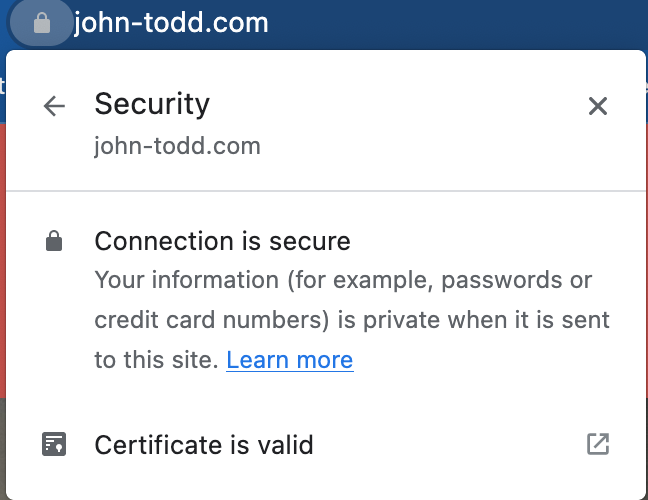
TLS certificates serve two functions: decrypting the contents sent by the host server after they reach you, and guaranteeing those contents were sent by the host server that you asked for.
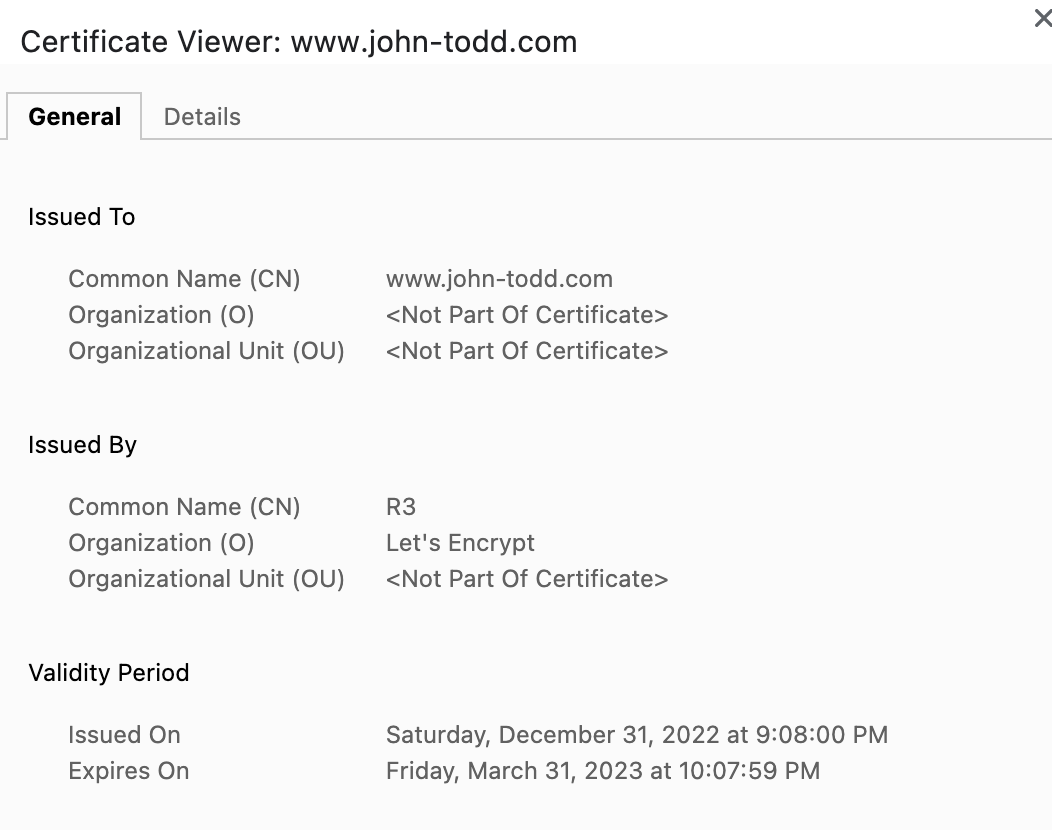
Certificate chains establish trust through a hierarchical system — root certificates in a computer's trust store validate all downstream certificates, preventing unauthorized parties from serving content under domains they don't control.
For a home network with local domains like apollo.lan, you can run your own Certificate Authority so that all devices on the network trust HTTPS certificates you issue yourself.
Generating the CA
Generate the CA private key:
openssl genrsa -des3 -out myCA.key 2048
Create the root certificate (valid for 5 years):
openssl req -x509 -new -nodes -key myCA.key -sha256 -days 1825 -out myCA.pem
Issuing a Domain Certificate
Generate a domain private key:
openssl genrsa -out apollo.lan.key 2048
Create a certificate signing request:
openssl req -new -key apollo.lan.key -out apollo.lan.csr
Sign the certificate with your CA:
openssl x509 -req -in apollo.lan.csr -CA myCA.pem -CAkey myCA.key \
  -CAcreateserial -out apollo.lan.crt -days 825 -sha256
Chain the certificates:
cat apollo.lan.crt myCA.pem > apollo.lan-chain.crt
Installing the CA Root
macOS
sudo security add-trusted-cert -d -r trustRoot \
  -k /Library/Keychains/System.keychain myCA.pem
Ubuntu / WSL2
Convert to .crt format and install:
openssl x509 -in myCA.pem -inform PEM -out myCA.crt
sudo cp myCA.crt /usr/local/share/ca-certificates/
sudo update-ca-certificates
For Windows and mobile device instructions, deliciousbrains.com has a comprehensive walkthrough.